
A solar panel is supposed to convert sunlight into electricity, not heat. Nevertheless, localised spots can occur where cells overheat: so-called hotspots. They are often invisible to the naked eye, but reduce efficiency and shorten the life of your installation. In this article, we explain what hotspots are, how to recognise them, how to prevent hotspotting and how to Solarco supports you in this.
1. What is a hotspot on a solar panel?
A hot spot is a local area on a solar cell that heats up higher than the surrounding cells, usually > 20 °C temperature difference. The cell starts acting as a resistor instead of a generator, converting energy into heat. This can lead to:
- Deformed cells or discolouration.
- Glass damage due to thermal stress.
- Faster degradation of EVA film and backsheet.
- Fire risk at extreme temperatures (> 250 °C).
"Hotspots often arise stealthily. By the time you see something visually, permanent efficiency has already been lost," warns Hendrik, CEO of Solarco.
2. The main causes of hotspot formation
2.1 Shadow and pollution
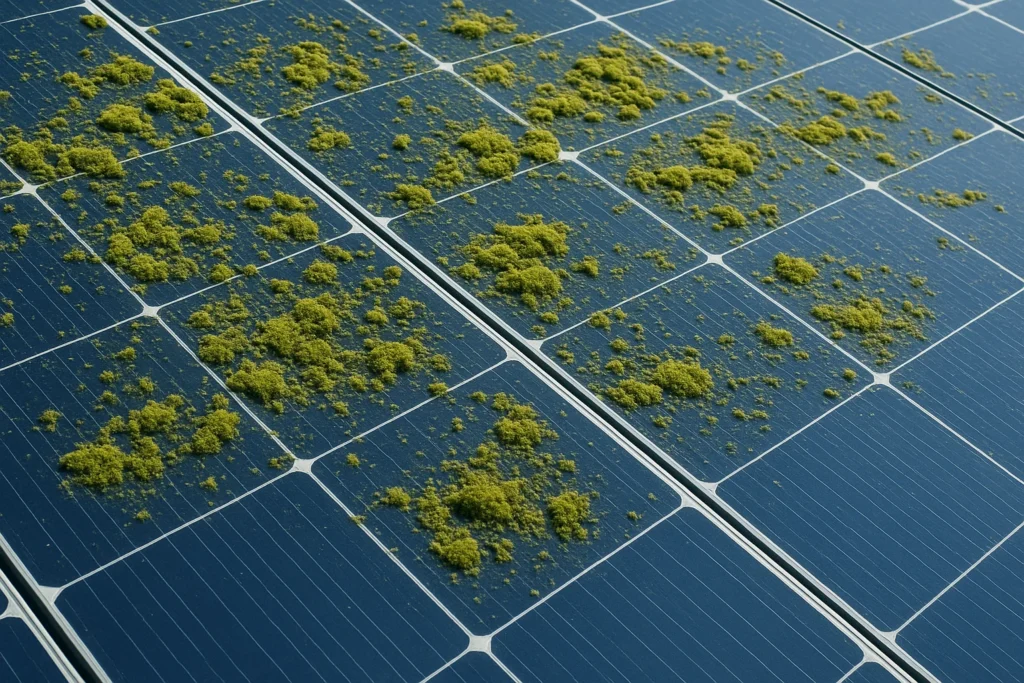
- Leaves, bird droppings or loose branches block light → cell underloaded → current from surrounding cells runs through the shaded cell → heating up.
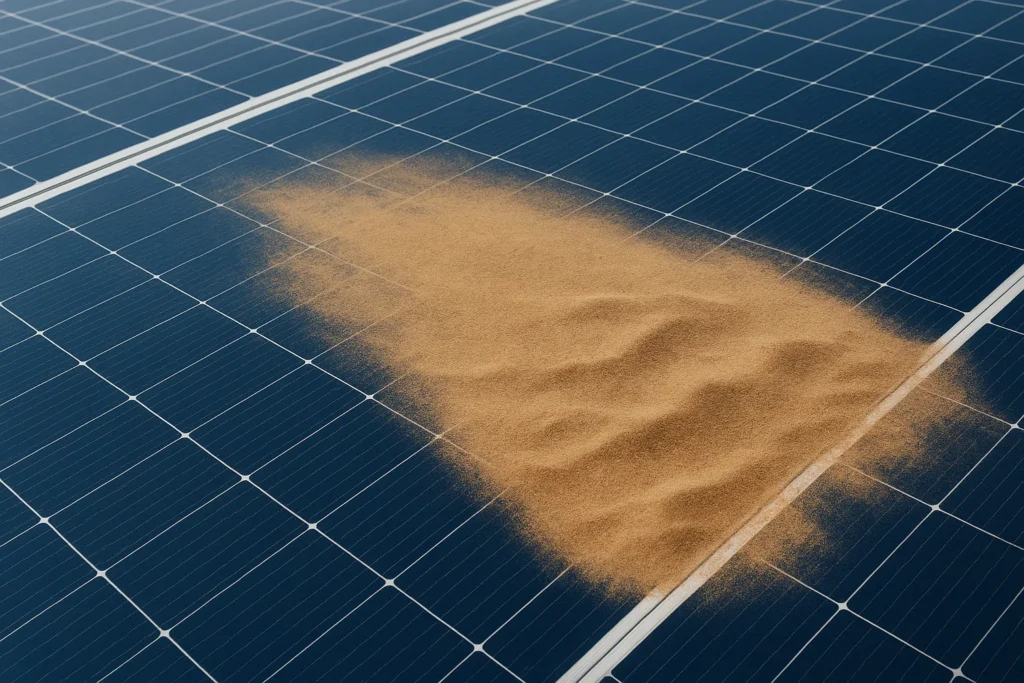
- Dust and dirt film increase local resistance.
2.2 Production defects and degradation
- Welding error or microcrack during production.
- Potential Induced Degradation (PID) can increase cell resistance.
2.3 Poor assembly or design
- Connector corrosion or loose terminals increase transition resistance.
- Series string with unequal orientations or different panel types.
2.4 Bypass diode defective
A broken bypass diode no longer switches a shaded cell out of the series, so full current has to pass through it → hot spot.
3. Impact on efficiency and safety
| Temperature hotspot | Possible damage | Efficiency loss |
|---|---|---|
| 80-100 °C | Calcification encapsulant | 2-3 % local |
| 100-150 °C | Solder melting, cell breakage | 4-6 % local |
| > 200 °C | Glass tip melts, fire risk | 10 % or more + security risk |
Even hot spots of 85 °C can lead to 1 % annual yield loss per affected panel. This seems little, but at system level, it can cost hundreds of euros per year.
4. How to recognise hotspots?
- Infrared thermography: with an IR camera you detect temperature differences of 2 °C.
- Electroluminescence (EL) photo: making microcracks visible.
- Performance monitoring: unexplained drop in string yield.
- Visual inspection: discolouration, brown spots or slight cracks in glass.
"One annual IR scan in cloudy weather reveals 90 % of hotspots," says Sander, chief operator at Solarco.
5. Preventing hotspots: best practices
5.1 Regular cleaning
- Remove dust, pollen and bird droppings at least once a year.
- Use deionized water and soft brushes
- Read more about our solar panel cleaning service.
5.2 Professional inspection
- Annual IR scan.
- Check connectors, string voltages, insulation resistance.
- Read more about our inspections.
5.3 Smart system design
- Ensure identical panels in one string.
- Avoid partial shading by trees/roof dormers.
- Install power optimisers or micro-inverters on high-risk roofs.
5.4 Rapid replacement of defective components
- Bypass diode broken? Panel repair or replacement.
- Microcrack? Consider glass-film repair or panel change.
- Here, too, we can help you with our professional solar panel maintenance
6. How Solarco helps prevent & fix hotspots
6.1 IR thermography package
- Drone scan For large solar parks up to 25 ha.
- Handheld Flir scans for residential and SME roofs.
- Report showing hotspot locations, temperature difference and priority score.
6.2 Cleaning & maintenance service
- Osmosis water cleaning makes cells dirt-free, minimises shadowing.
- Robotic cleaning for flat roofs up to 600 m²/hour.
6.3 Repair & replacement advice
- Analysis of bypass diodes, string anomalies.
- Delivery & installation replacement panel within 48 h in Belgium.
- Help with warranty claims with photo documentation.
6.4 Preventive maintenance contract
- Annual cleaning + IR scan + reporting.
- Alarm service: remote monitoring of string data → notification at > 5 % deviation.
10. Conclusion & call-to-action
Hotspots are silent wreckers that not only destroy your return undermine, but also create fire hazards. Regular cleaning, professional IR scanning and prompt repair prevent costly surprises.
Get Solarco to do a hotspot scan today and receive a comprehensive report with recommendations within 24 hours. Schedule your appointment directly via our service page and guarantee a long, safe life of your PV plant.
Share this article with fellow solar panel owners to master hotspots together!




 Dutch
Dutch  English
  French
  German